Should You Let AI Write Your Work Emails?
Intermediate
Vocabulary
Draft – a first or rough version of a piece of writing that you plan to improve later.
Example – She wrote a quick draft of the email, then fixed the wording before sending it.
Tone – the feeling or attitude that a piece of writing expresses, such as friendly, formal, or cold.
Example – His message had a tone that felt too casual for a job application.
Credibility – the quality of being trusted and believed by other people.
Example – Sending careless emails can hurt your credibility with clients.
Outsource – to give a task to another person, company, or tool instead of doing it yourself.
Example – Many workers now outsource small writing tasks to AI tools.
Authentic – real and genuine, not copied or fake.
Example – Colleagues often say they prefer messages that sound authentic, even if they are not perfectly written.
Article
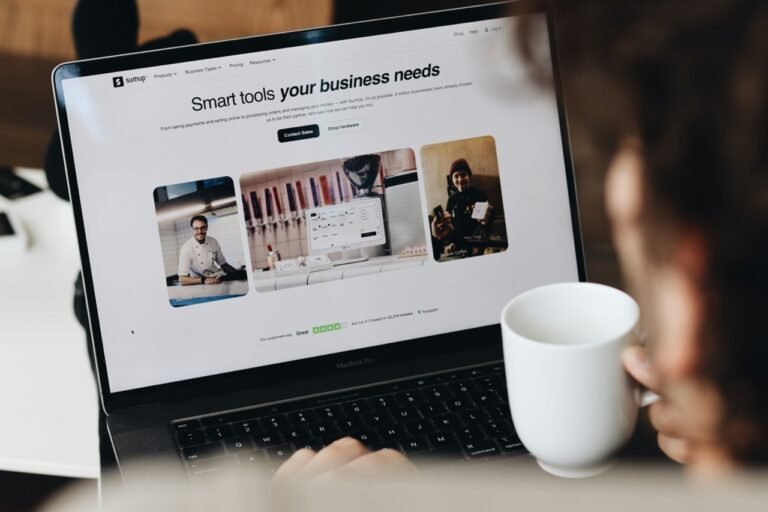
Millions of people now start their workday the same way: opening an email, typing a few words into an AI tool, and letting it produce a polished message in seconds. Tools built into Gmail, Outlook, and standalone apps like ChatGPT have made it easier than ever to draft a professional-sounding email without writing much yourself. But as AI writing becomes part of everyday office life, a simple question is dividing coworkers, managers, and etiquette experts: should you actually let AI write your work emails?
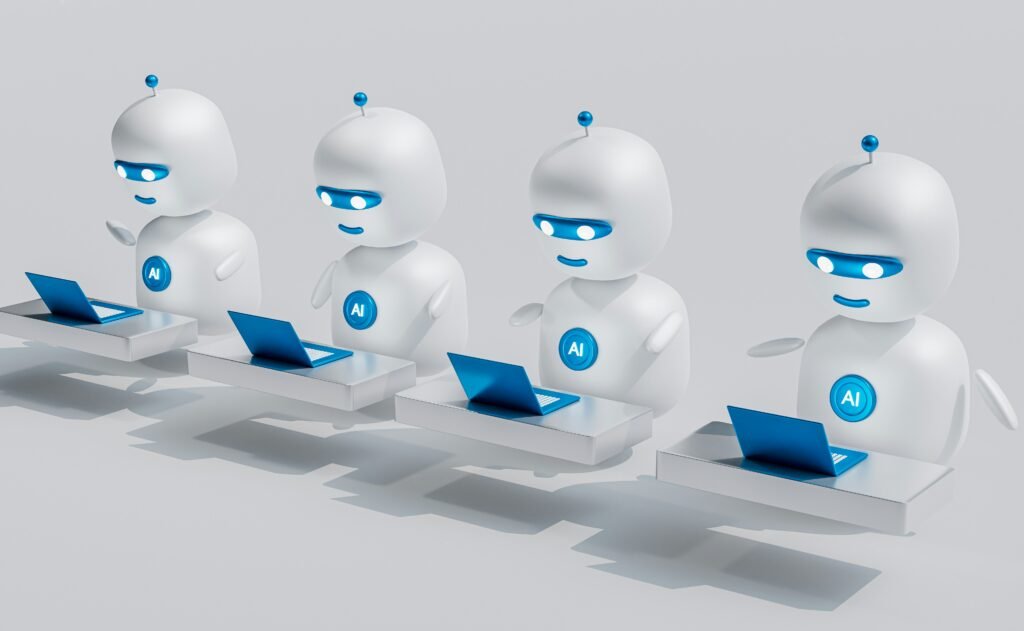
According to workplace surveys from 2026, roughly one in four employees now use AI every day to help write emails, a number that has grown quickly as the tools have become built directly into email platforms. At the same time, a separate consumer survey found that fewer than half of people felt confident they could actually tell whether a message was written by AI. High usage but low detection confidence is part of why this debate has become so common in offices. Many people may already be reading AI-written messages without realizing it.
The appeal is obvious. AI can turn a messy thought into a clear, well-organized message in seconds. It can fix grammar mistakes, soften an angry reply, or translate a casual idea into formal business language. For non-native English speakers especially, AI tools can reduce stress and save time. Research on business communication has found that AI-generated messages are often seen as professional, confident, and effective at reaching their goal. In many cases, colleagues cannot even tell that a message was written with AI help.
But experts warn that convenience comes with risks. According to etiquette specialists interviewed by CNBC in July 2026, using AI to write emails is not automatically rude, but it can easily become rude depending on how it is used and who receives it. A short, thoughtful reply typed by a busy manager feels different from a long, AI-polished message sent to someone who took real time to write a personal note. When that imbalance is obvious, the message can come across as lazy or even disrespectful.
There is also a deeper concern about connection. AI can generate clear sentences, but it cannot truly sense what a colleague is feeling. It does not notice quiet frustration in a client’s message or read between the lines of a coworker’s short, tense reply. A recent TIME essay on the topic argued that fully outsourcing emails to AI can quietly damage relationships at work, because so much of workplace communication depends on genuine tone, timing, and small human details that a tool cannot fully understand.
Research also suggests there can be a social cost to overusing AI for personal communication. Studies cited in workplace advice columns have found that employees who visibly outsource “relationship” tasks, such as thank-you notes, condolences, or sensitive replies, are sometimes judged more negatively by their peers, even when the writing itself is fine. In other words, it is not only about whether the email sounds good. It is also about whether the sender seems genuinely present and engaged.
Generational attitudes seem to play a role too. Younger employees, who often grew up using digital shortcuts and AI-assisted tools in school, tend to see AI email help as no different from using spellcheck or a translation app. Older employees are sometimes more skeptical, associating a carefully written personal message with genuine effort and respect. The same AI-written email might be read completely differently depending on who receives it, which makes audience and context just as important as the tool itself.
So what is the middle ground? Most experts do not recommend banning AI from email writing altogether. Instead, they suggest using it as a drafting partner rather than a replacement. Let AI organize your thoughts, suggest better wording, or clean up grammar, then read the entire message carefully before sending it. Add a personal detail, adjust the tone, and make sure the final version still sounds like you. A Forbes Councils piece on workplace email etiquette this year noted that small errors in an AI draft, such as a wrong name or an odd phrase, can hurt your credibility fast, because mistakes signal carelessness rather than clever technology use.

Industry also matters. In fast-moving sales environments, fully AI-written messages are becoming common and are sometimes even expected. But in fields where trust matters most, such as finance or healthcare, an obviously AI-generated email can feel like a warning sign rather than a helpful shortcut. Company culture, client expectations, and the sensitivity of the topic all shape whether AI help feels welcome or unwelcome.
For now, the safest approach seems to be balance. Use AI to save time on routine messages, such as scheduling, reminders, or simple updates. Slow down and write personally when the situation calls for empathy, apology, or celebration. Always proofread before sending, since one strange AI phrase or wrong detail can undo the professional impression the tool was supposed to create.
The technology is not going away, and workplace norms around it are still forming. Whether an AI-written email feels efficient or impersonal may depend less on the tool itself, and more on how thoughtfully a person chooses to use it.
Discussion
Do you think it is acceptable to use AI to write a professional email? Why or why not?
Have you ever received a message you suspected was written by AI? How did it make you feel?
In your culture or workplace, is it more important for an email to sound polished or to sound personal?
Would you feel differently about receiving an AI-written email from a close colleague versus a stranger?
Should companies have rules about when employees can or cannot use AI to write emails?
What is one type of message you would never want written by AI, and why?
Sources
CNBC: To avoid sounding ‘artificial and rude,’ follow these AI etiquette rules, experts say
TIME: Why You Shouldn’t Let AI Write Your Emails
Forbes Councils: Email Etiquette At Work: Universal Rules For Every Professional